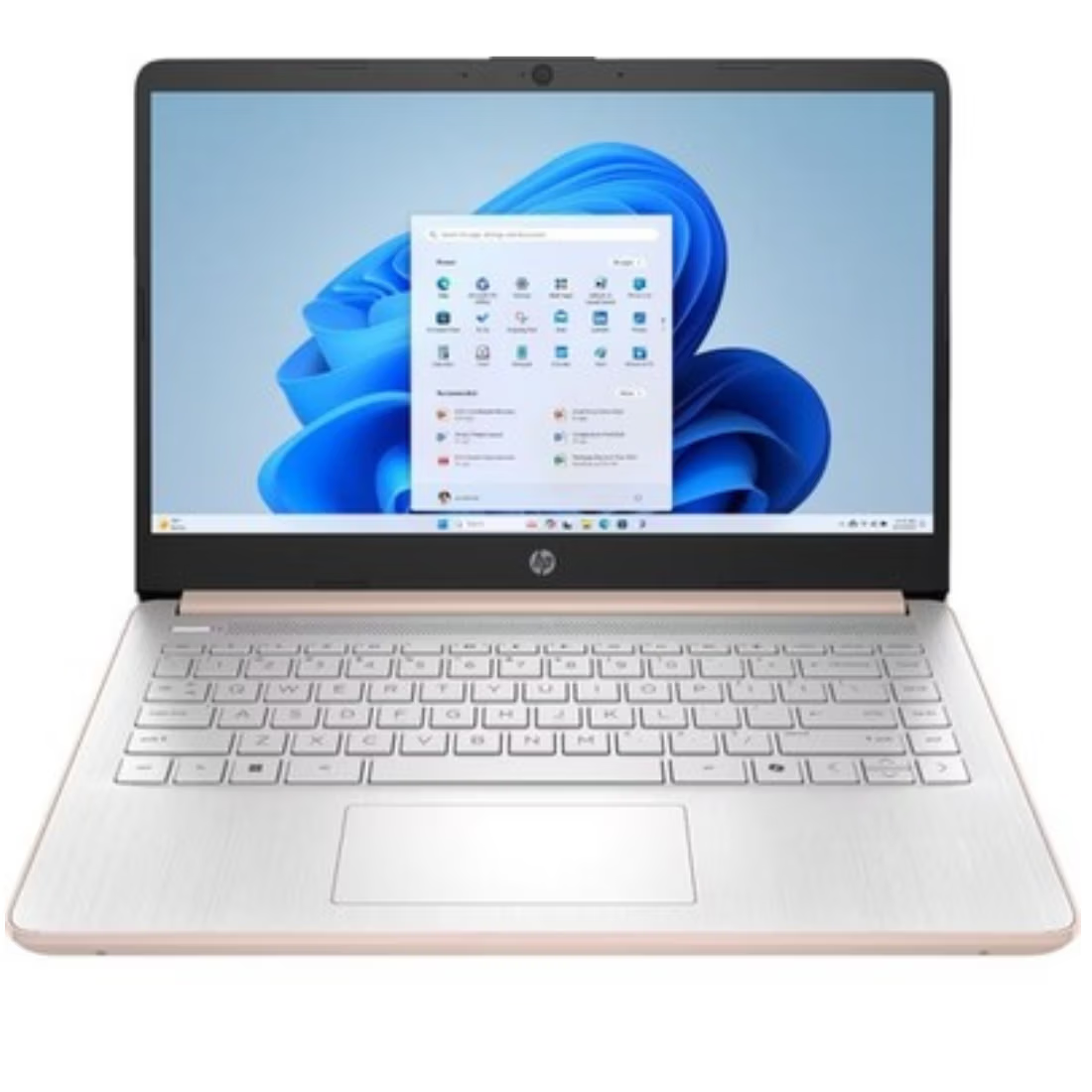
The HP 14-dq3000dx is an ultra-budget laptop designed specifically for light, cloud-based tasks. It is part of HP’s “essential” line, prioritizing affordability and portability for students or users who primarily browse the web and stream video.
## Technical Specifications
Feature
Details
Processor
Intel Celeron N4500 (2 Cores, up to 2.8 GHz)
Memory (RAM)
4GB DDR4-2933 MHz (Single channel)
Storage
64GB eMMC (Flash-based storage)
Display
14″ diagonal HD (1366 x 768), Anti-glare, Micro-edge
Graphics
Intel UHD Graphics
Battery Life
Up to 8–11 hours (depending on video vs. streaming)
Weight
~1.47 kg (3.24 lbs)
Operating System
Windows 11 Home in S Mode
## Key Features & Description
Cloud-First Storage: The 64GB eMMC is very limited. After the Windows operating system and basic updates, you will likely have less than 30GB of usable space. This laptop is best used with OneDrive, Google Drive, or an SD card for file storage.
Modern Efficiency: The Celeron N4500 is a “Jasper Lake” processor, which is more efficient and powerful than older Celerons. It handles 4K video playback smoothly and stays cool without needing a loud fan.
Windows 11 in S Mode: For security and speed, this laptop starts in “S Mode,” which only allows apps from the Microsoft Store. You can switch to standard Windows 11 Home for free, but doing so may slightly impact performance on only 4GB of RAM.
Connectivity Suite:
1 x USB Type-C (5Gbps signaling rate, data only)
2 x USB Type-A (5Gbps)
1 x HDMI 1.4b (for connecting to a TV or monitor)
1 x Multi-format SD media card reader
Wi-Fi 6 & Bluetooth 5.3 support
Portability: At just over 3 lbs, it is incredibly easy to carry between classes or rooms. The “Snowflake White” finish gives it a clean, modern look.
## Vital Performance Tip
With 4GB of RAM and 64GB of storage, this laptop will struggle with multitasking. To keep it running fast:
Limit Browser Tabs: Try not to keep more than 5–7 tabs open at once.
Use an SD Card: Insert a high-speed MicroSD card to store your photos and videos, keeping the internal 64GB drive free for essential system updates.
Avoid Heavy Apps: This machine is not built for video editing, Photoshop, or gaming (outside of very basic web games).










 iPhone 17 Series
 OPEN BOX
 Top Selling
 Budget Smartphone
 Top Rated


 Top Selling


 Windows OS
 Mac OS
 Chrome OS
